Review
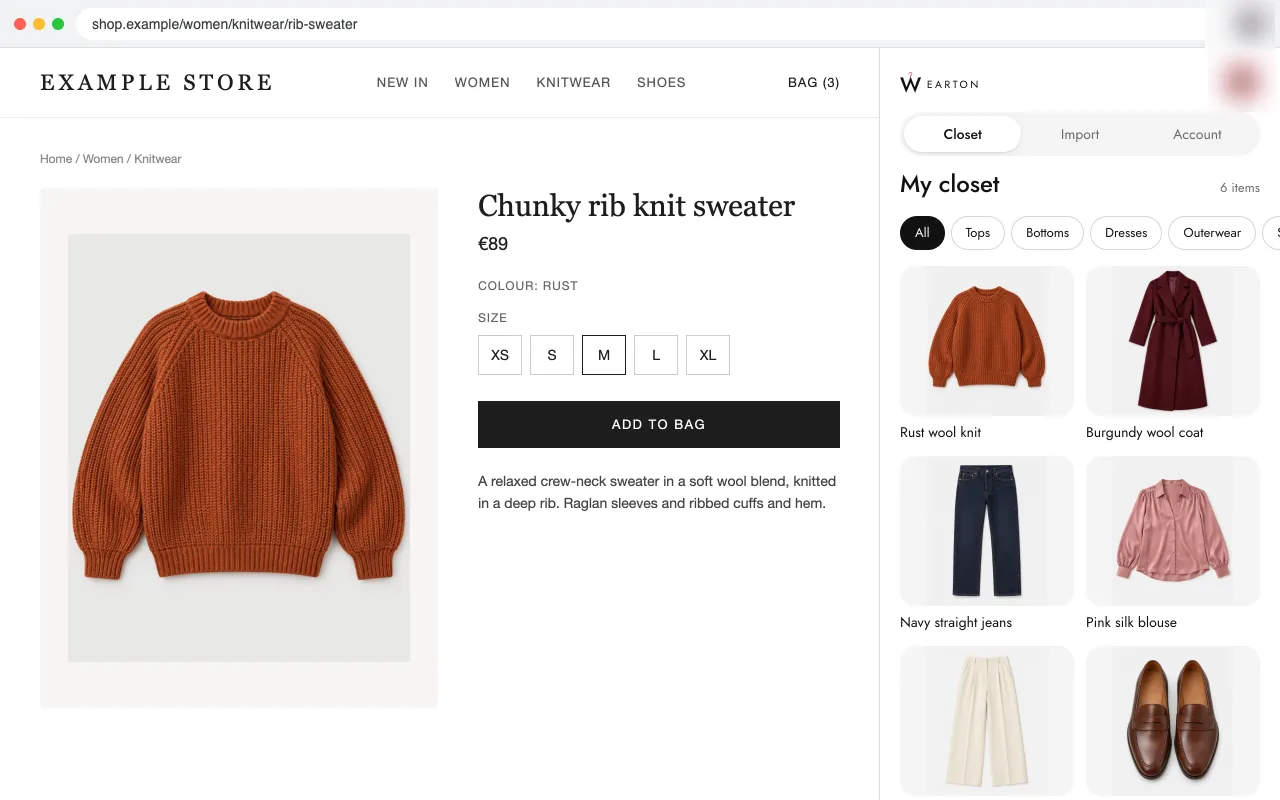
Wearton: A digital wardrobe and wishlist that checks every piece against your colours
 11/12 features · Languages 12
Review · Chrome extension
Save buttons for the Whering wardrobe app.
 5/12 features · 3.5★ (30) · Users 10,000 · Languages 1 · October 7, 2026
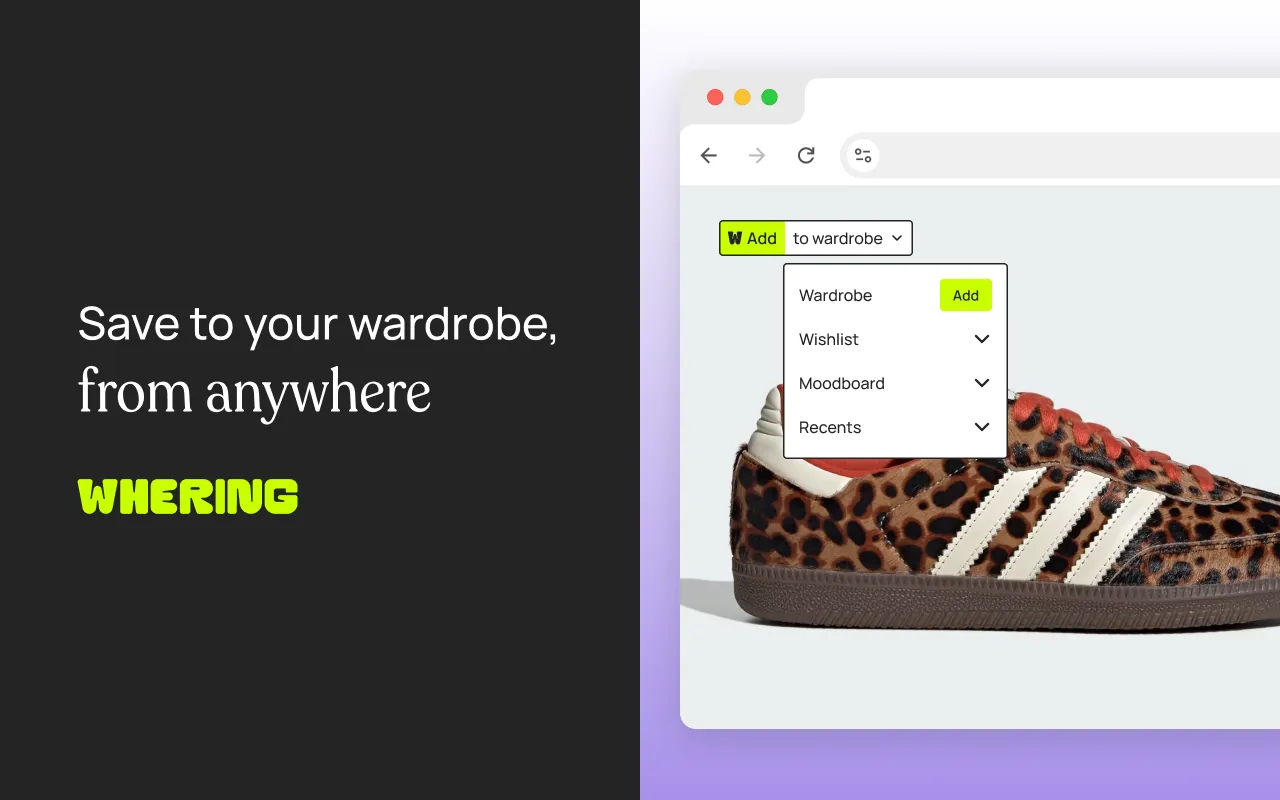
Whering's extension puts a save button on product images. You hover over an image, click it, and send the piece to your Whering wardrobe, wishlist or moodboard. To add past purchases, you go back to the shop and save each piece from its page.
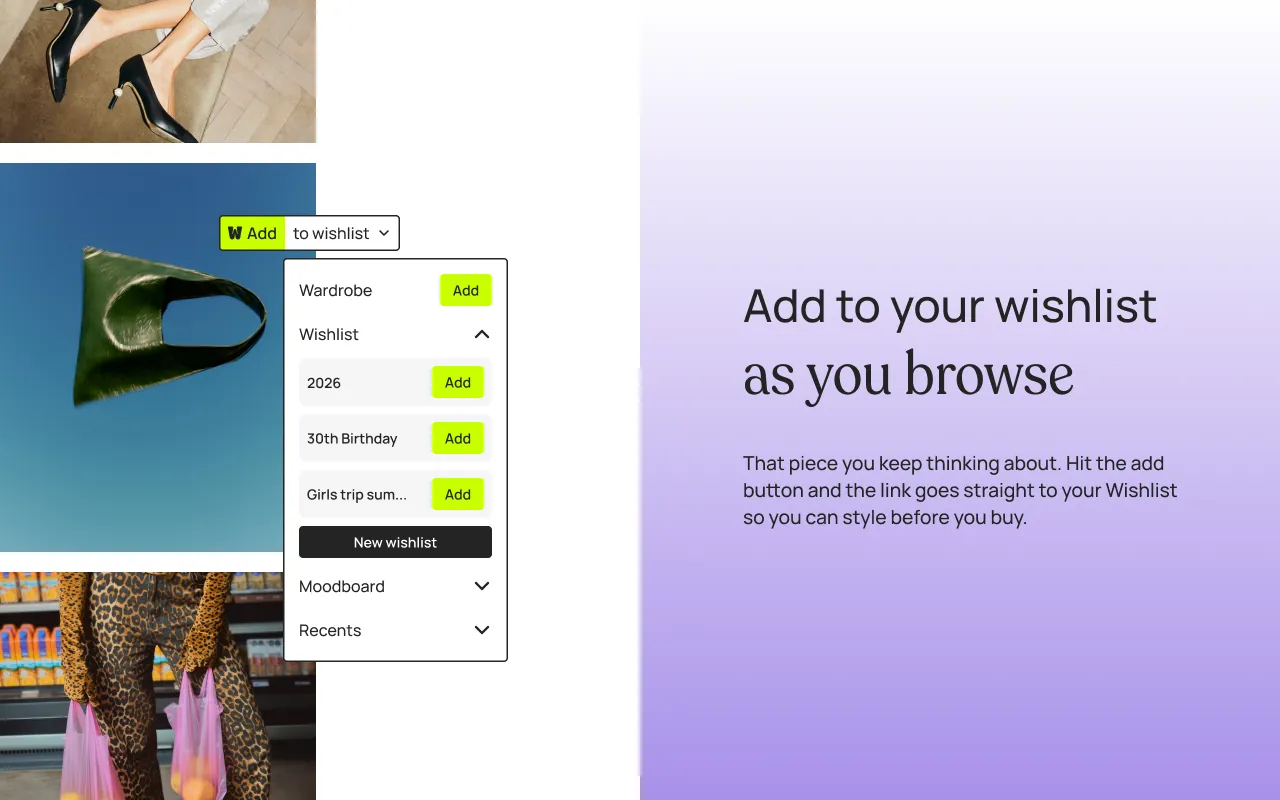
Whering suits you if you already use the Whering app and want a moodboard for outfit ideas from Pinterest.
| Feature | Whering | Wearton |
|---|---|---|
| Save from any shop page | ||
| Import a whole cart or order in one step | ||
| Closet for the clothes you own | ||
| Wishlist for pieces you want | ||
| Category and colour filled in for you | ||
| Photo put on a clean background | ||
| Colour season match for each piece | ||
| Shows what a new piece goes with in your closet | ||
| Warns when you already own something similar | ||
| Side panel that stays open while you shop | ||
| Phone app with the same closet | ||
| Share a list with friends | ||
| Features | 5/12 | 11/12 |
the store listing shows the feature the listing does not mention it
Review
11/12 features · Languages 12
Review
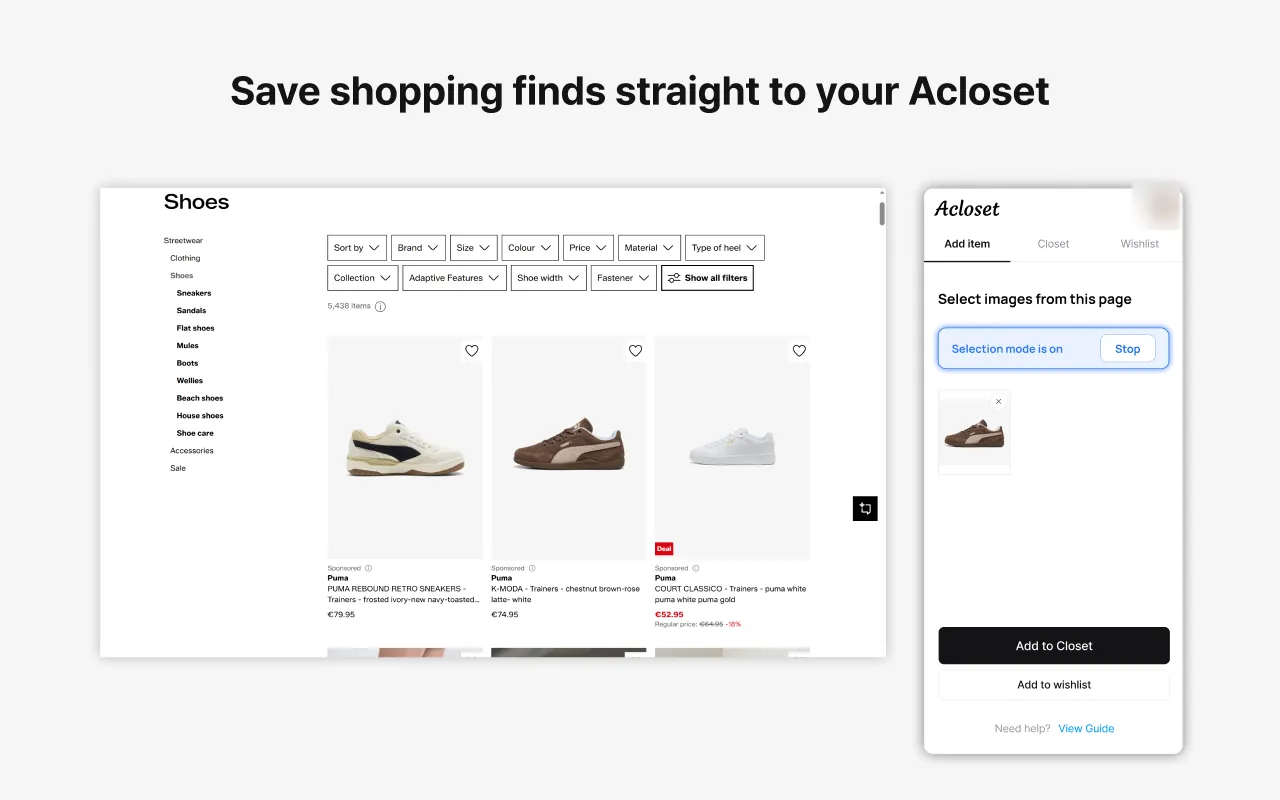
 7/12 features · 5.0★ (6) · Users 3,000 · Languages 18

Review
 5/12 features · 3.5★ (21) · Users 2,000 · Languages 1