Review
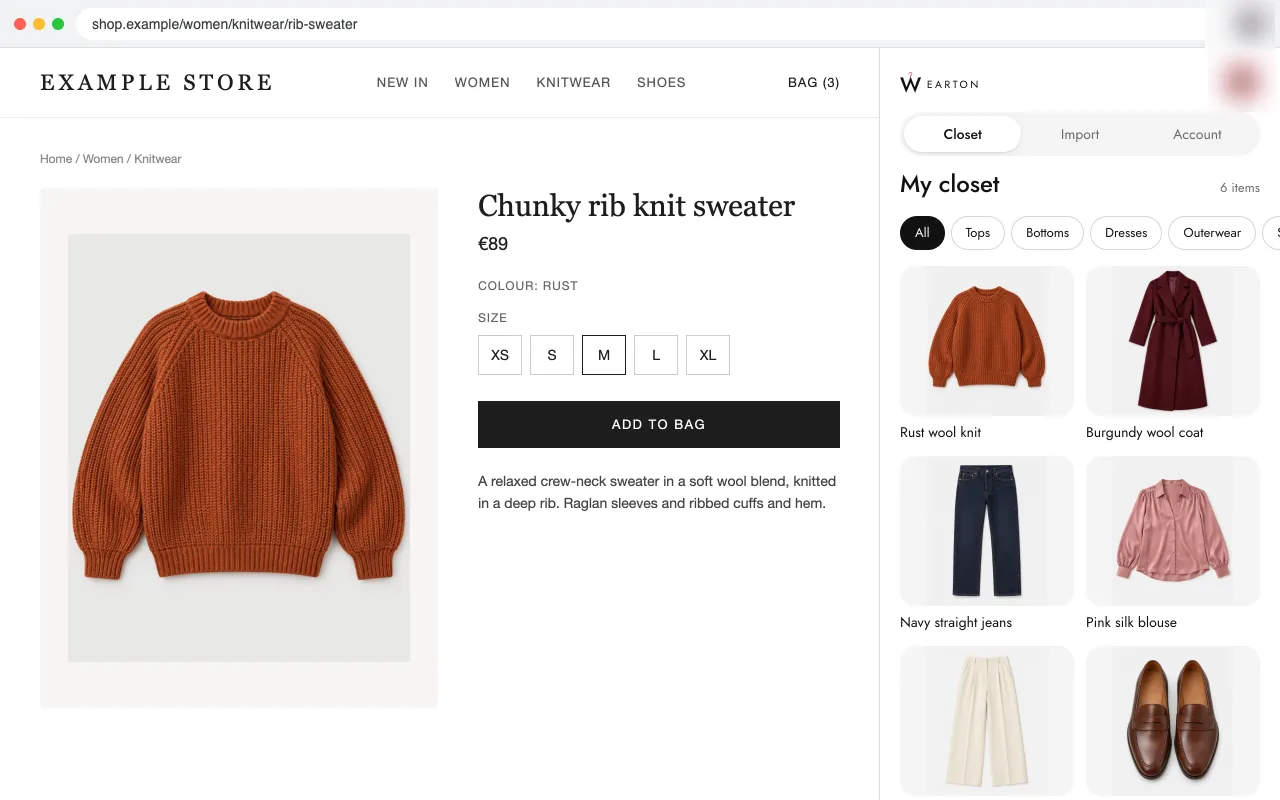
Wearton: A digital wardrobe and wishlist that checks every piece against your colours
 11/12 features · Languages 12
Review · Chrome extension
Right-click to add a piece to a MYMIKA closet.
 4/12 features · 5.0★ (3) · Users 9 · Languages 1 · October 7, 2026
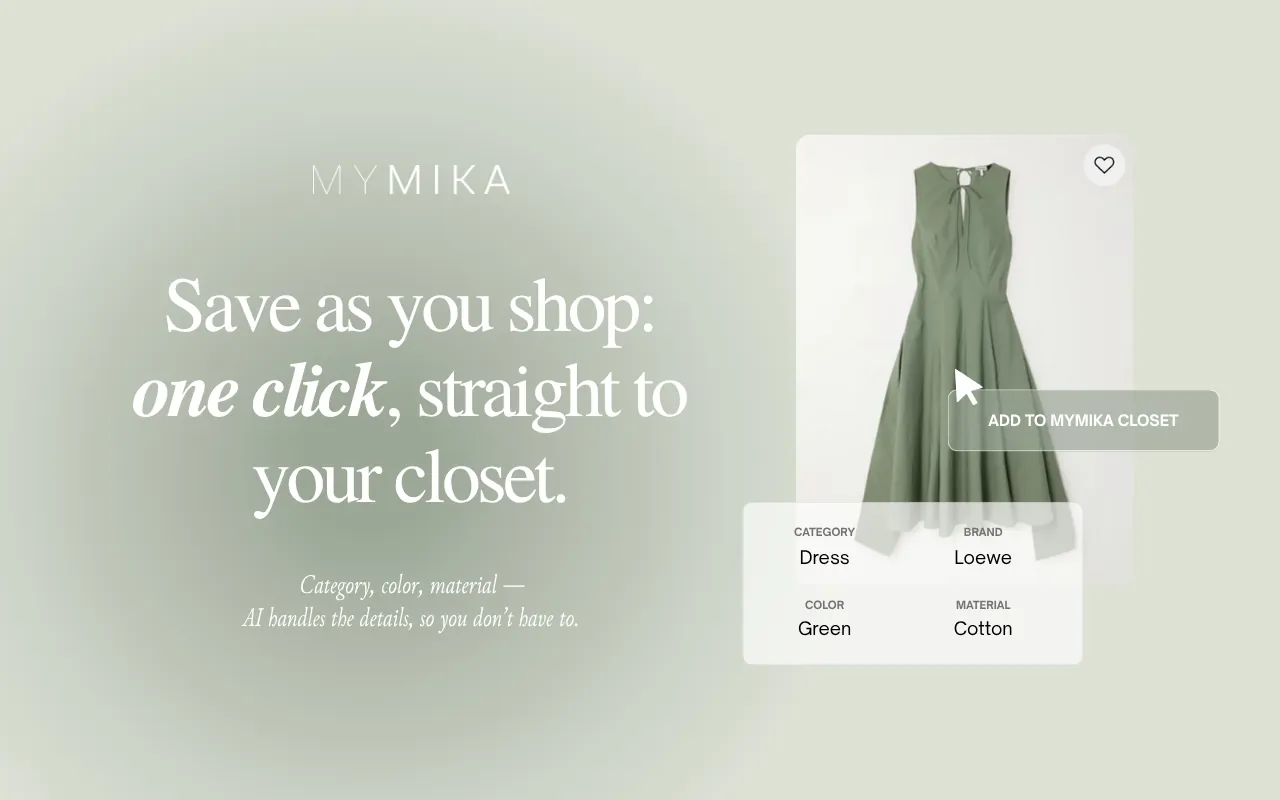
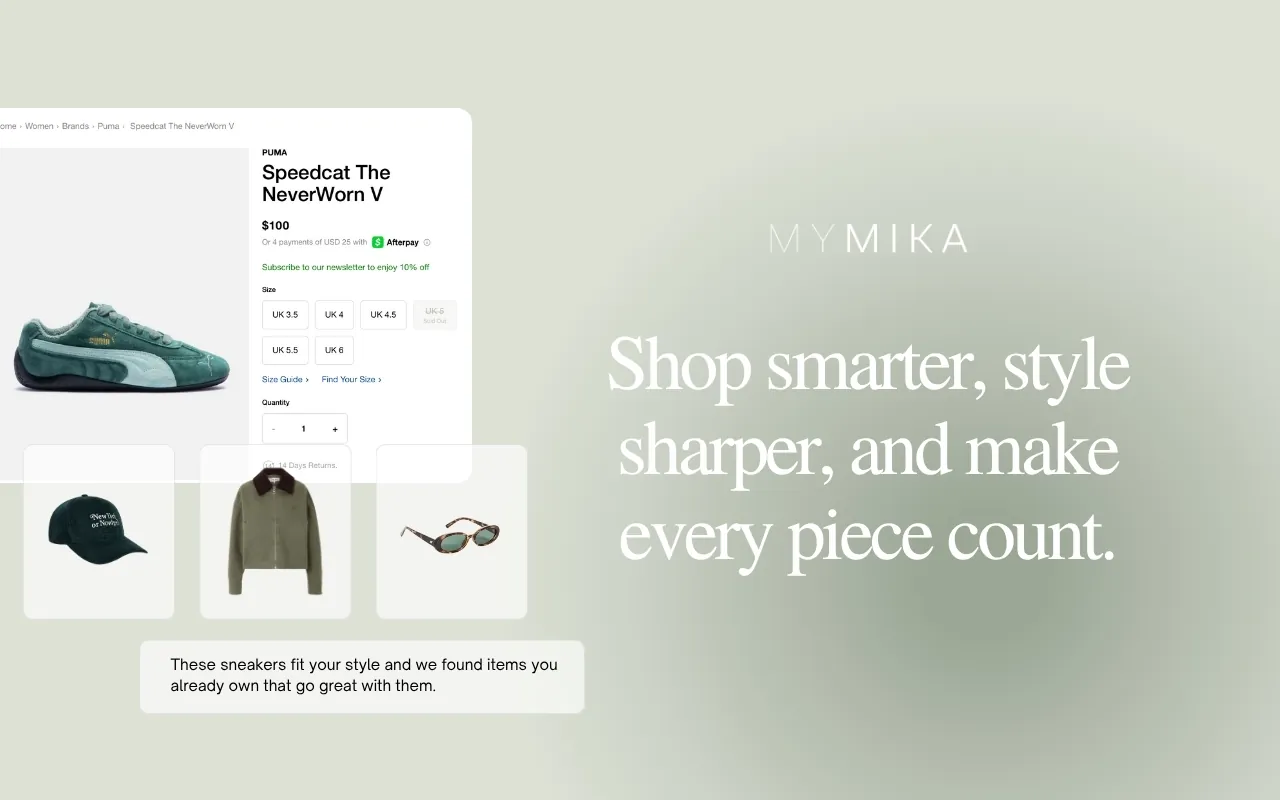
MYMIKA adds an "Add to MYMIKA Closet" item to the right-click menu on product images. The saved piece gets its category, colour and material filled in, and its screenshots show it finding pieces you own that go with a new one. The listing does not mention a wishlist.
MYMIKA suits you if you already keep your closet in MYMIKA.
| Feature | MYMIKA | Wearton |
|---|---|---|
| Save from any shop page | ||
| Import a whole cart or order in one step | ||
| Closet for the clothes you own | ||
| Wishlist for pieces you want | ||
| Category and colour filled in for you | ||
| Photo put on a clean background | ||
| Colour season match for each piece | ||
| Shows what a new piece goes with in your closet | ||
| Warns when you already own something similar | ||
| Side panel that stays open while you shop | ||
| Phone app with the same closet | ||
| Share a list with friends | ||
| Features | 4/12 | 11/12 |
the store listing shows the feature the listing does not mention it
Review
11/12 features · Languages 12
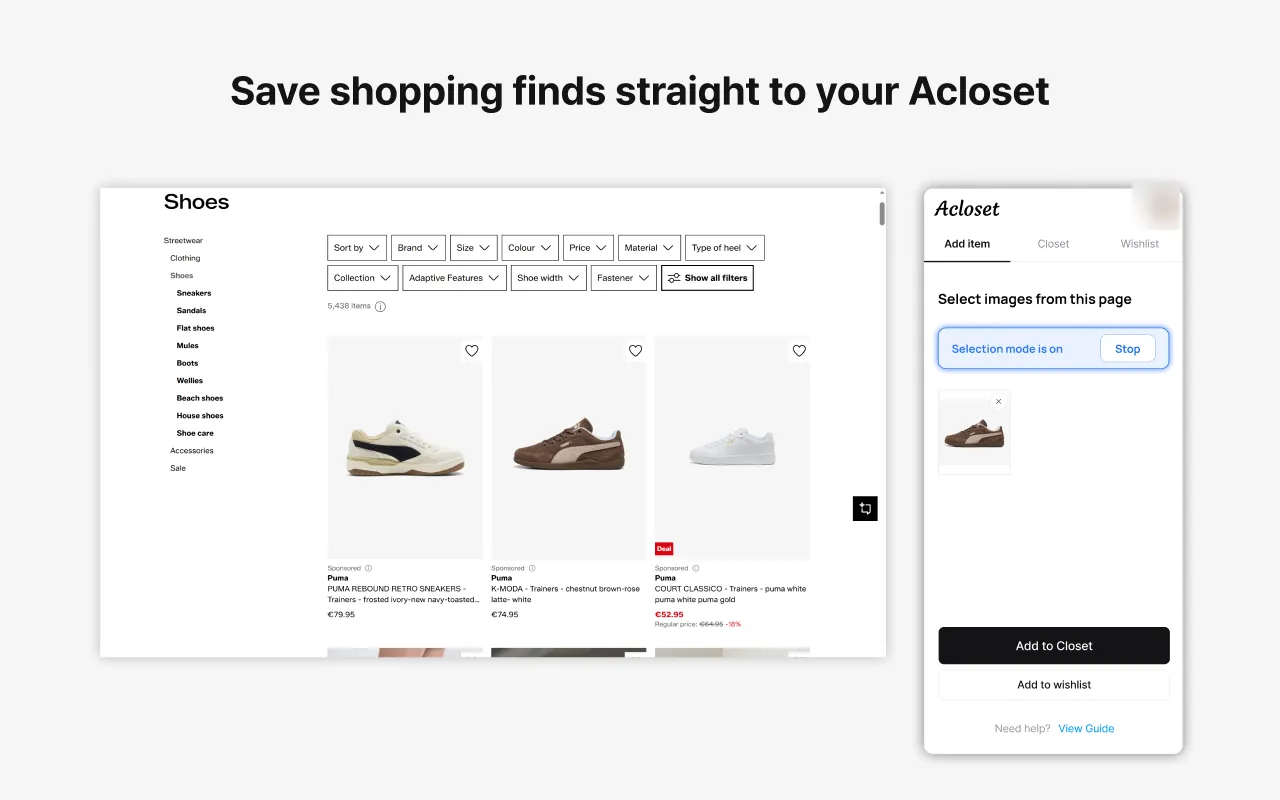
Review
 7/12 features · 5.0★ (6) · Users 3,000 · Languages 18
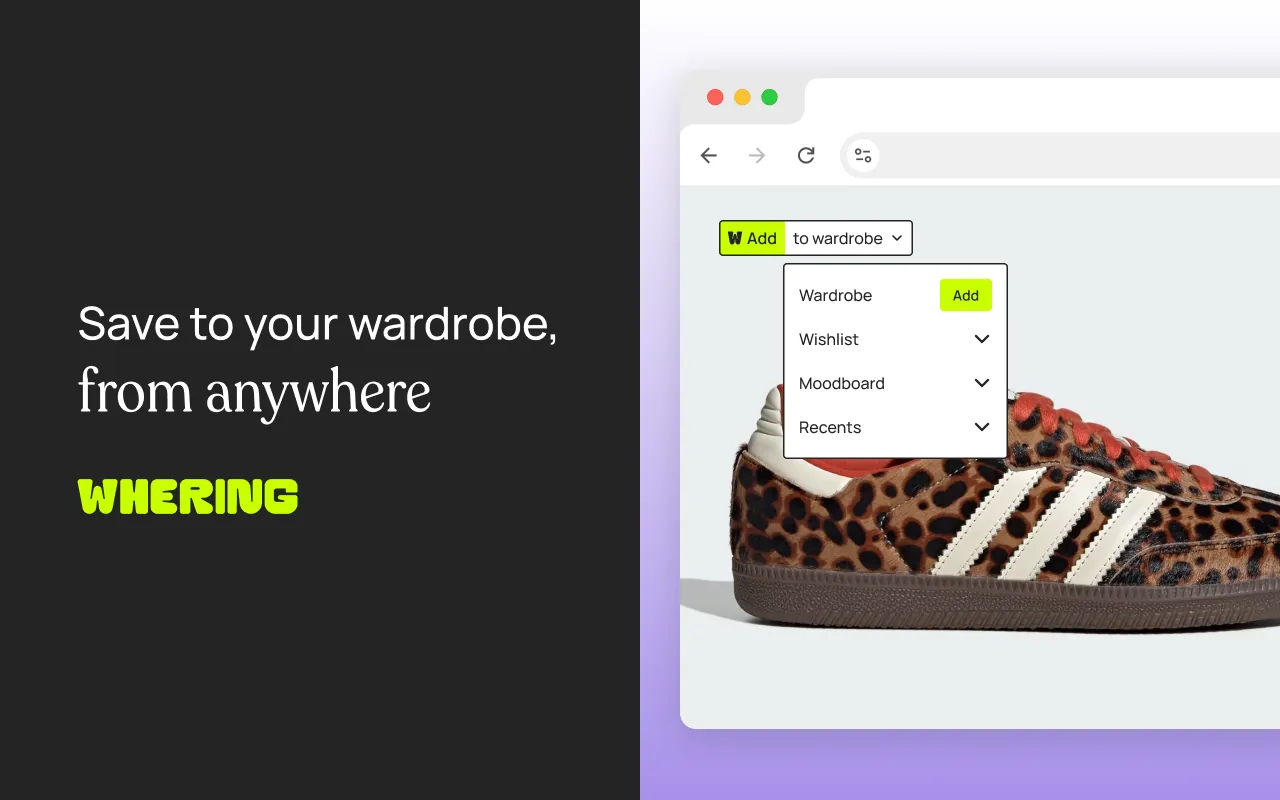
Review
 5/12 features · 3.5★ (30) · Users 10,000 · Languages 1