Review
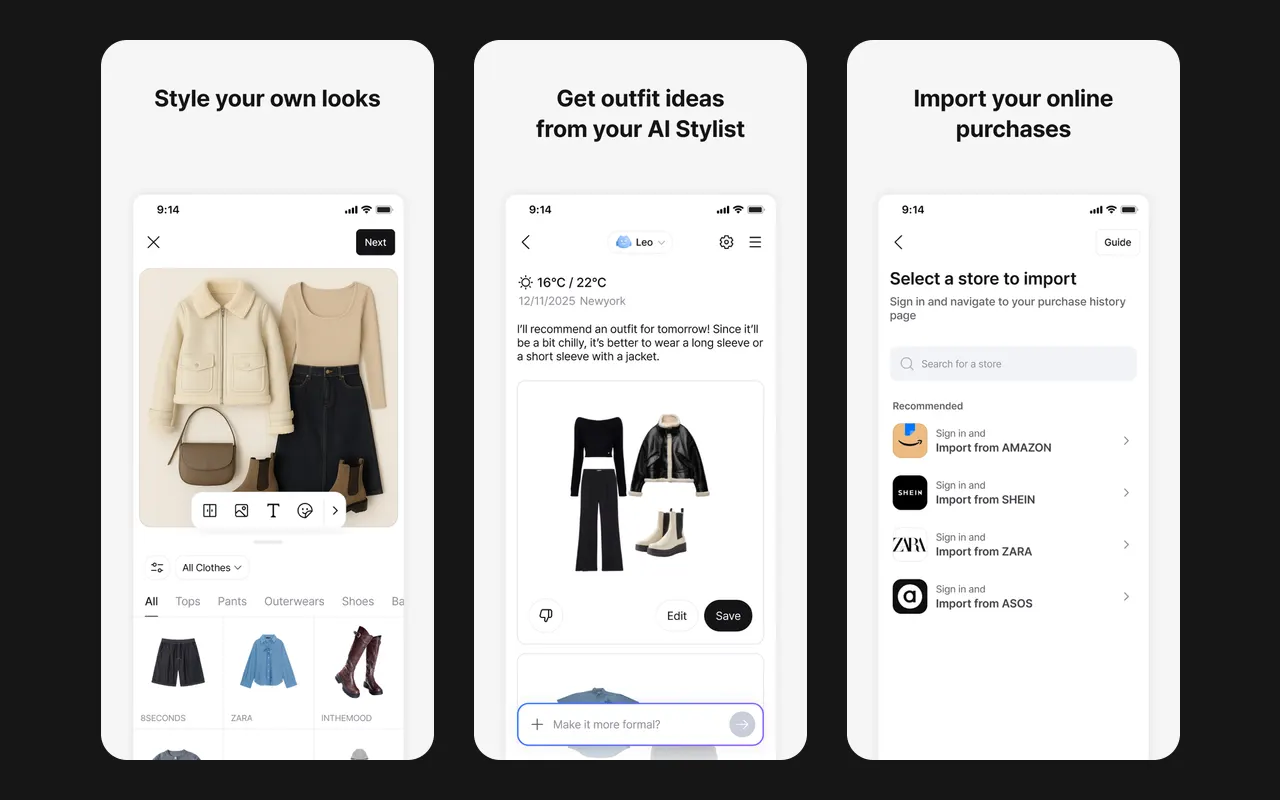
Acloset: A closet app with an AI stylist, an outfit calendar and shop import
 12/12 features · App Store 4.4★ · Google Play 4.5★ · 5M+ installs
Review · Closet app
Google Photos builds a closet from the clothes you already wear in your photos.
 4/12 features · App Store 4.8★ · Google Play 4.4★ · 10B+ installs · October 8, 2026
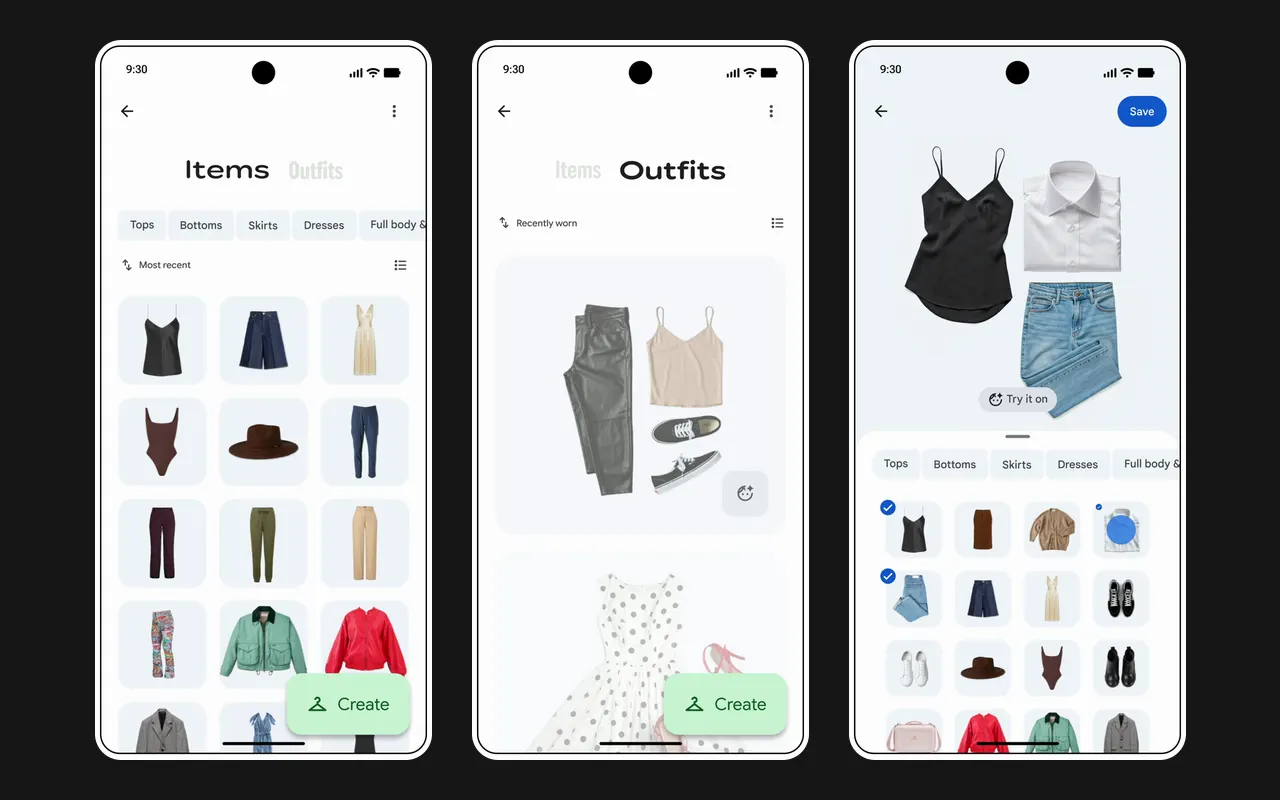
Wardrobe is a feature inside Google Photos. It scans photos of you from the last 4 years and collects the clothes it finds, sorted by type. You can mix up to 6 pieces into an outfit, save it to a moodboard or share it, and tap Try it on to see the outfit on you. It is open in the US, India and Brazil.
Google Photos suits you if you already keep years of photos in Google Photos and want a closet without photographing each piece.
| Feature | Google Photos |  Wearton Wearton |
|---|---|---|
| Photo put on a clean background | ||
| Category and colour filled in for you | ||
| Add clothes from a shop's website or a link | ||
| Import past orders without photos | ||
| Build outfits yourself | ||
| Outfit ideas made for you | ||
| Outfit calendar | ||
| Wear count or cost per wear | ||
| Outfits for the weather | ||
| Finds your own colours | ||
| Virtual try-on | ||
| Wishlist for pieces you want | ||
| Features | 4/12 | 11/12 |
its listings or website show the feature they do not mention it
Review
12/12 features · App Store 4.4★ · Google Play 4.5★ · 5M+ installs
Review
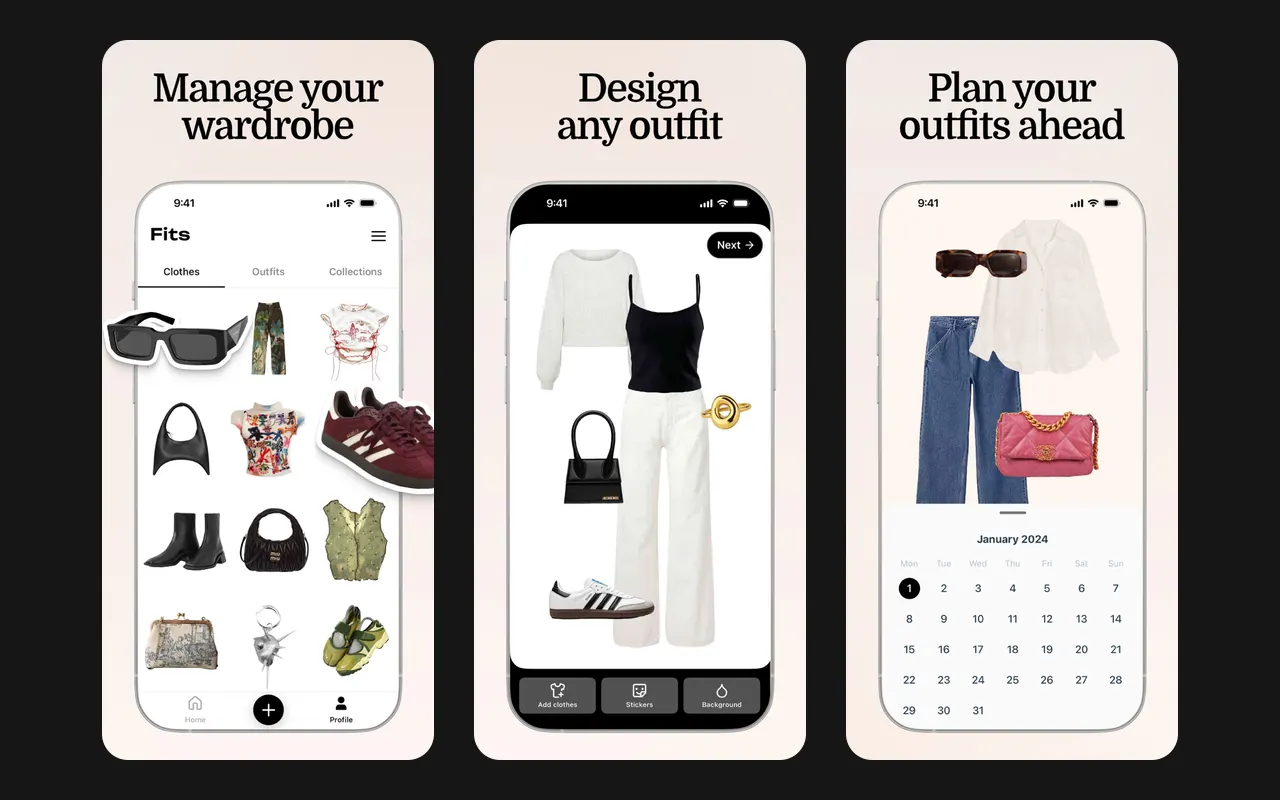
 12/12 features · App Store 4.6★ · Google Play 4.6★ · 500K+ installs
Review
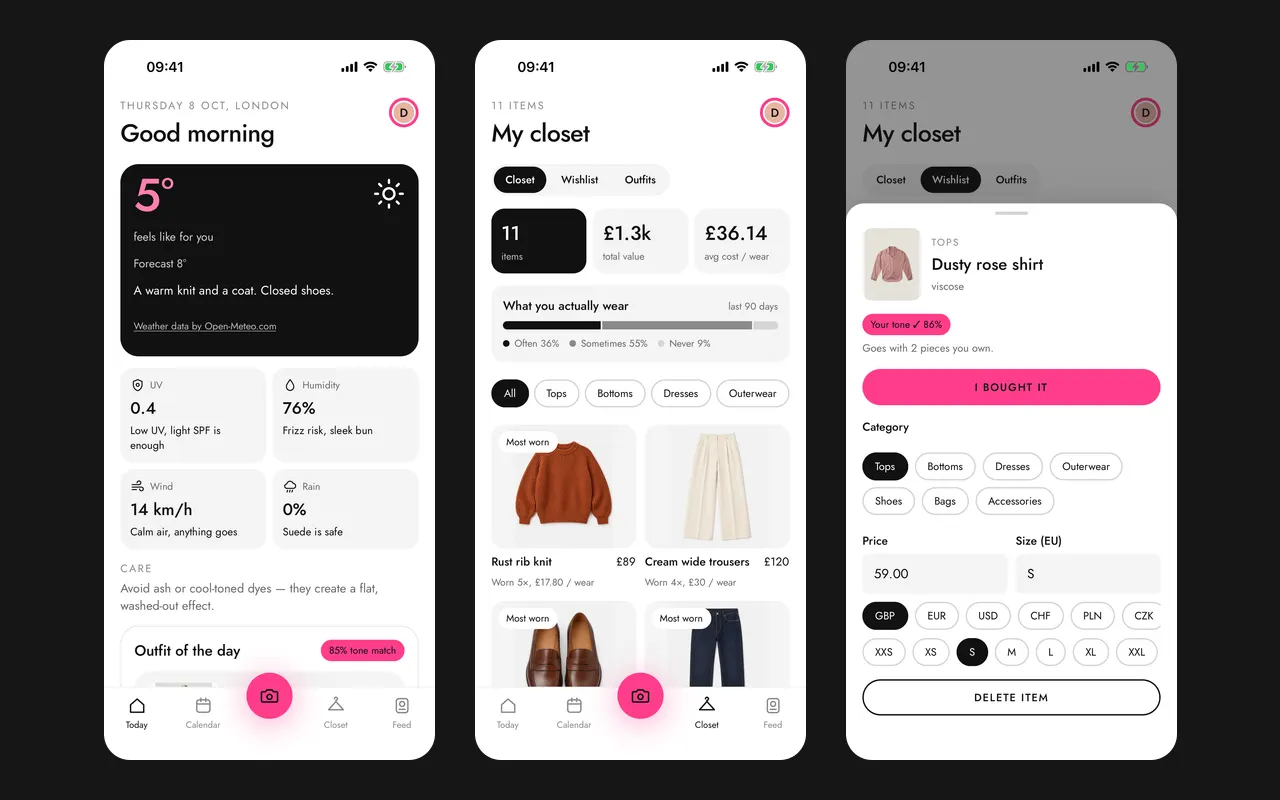
11/12 features · Not in the App Store or Google Play yet